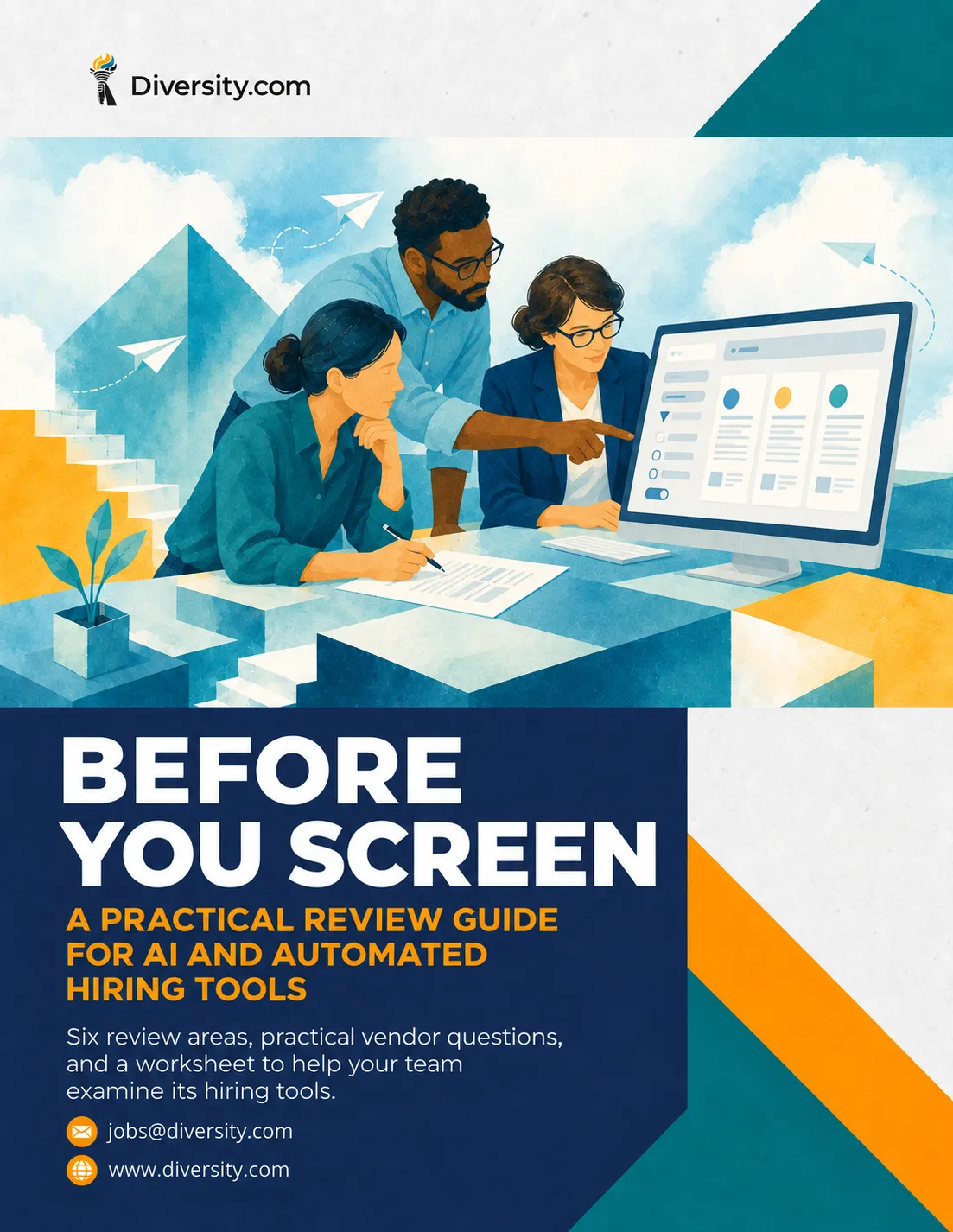
Before You Screen: A Practical Review Guide for AI and Automated Hiring Tools
Know what your hiring tools do before their results shape your decisions.
Résumé filters, candidate rankings, and online assessments can influence who moves forward. Reviewing their settings, limitations, and connection to the role starts with asking the right questions.
What should your team examine before relying on an automated screening tool?
✔ Work through six practical review areas to understand what the tool does and how its results affect applicants.
✔ Ask more specific vendor questions about job relevance, accessibility, supporting evidence, and limitations.
✔ Use the worksheet to record answers and gaps, then assign owners and next steps for unresolved concerns.
What’s Inside the Guide
💡 A tool’s name does not explain how your team uses it. Identify the enabled features, screening rules, and outputs that affect who moves forward.
💡 Screening settings may still reflect an older version of the role. Review whether each criterion connects to the work the person will actually do.
💡 The candidate’s experience belongs in the review. Examine accessibility information, assessment instructions, and the route for requesting an accommodation.
💡 Vendor assurances need supporting evidence and clear limits. Learn what to request, what needs further review, and who should own the follow-up.
Get a two-page vendor worksheet, a hypothetical screening-review example, and a review record to help your team organize evidence, unanswered questions, and next actions.
If you help select, configure, use, or review hiring tools, this guide is built for you.
📥 Download the AI Hiring Tool Review Guide for a practical, source-backed starting point for reviewing one hiring tool and one role.
DOWNLOAD THE AI HIRING TOOL REVIEW GUIDE
Before You Screen: A Practical Review Guide for AI and Automated Hiring Tools
Know what your hiring tools do before their results shape your decisions.
Résumé filters, candidate rankings, and online assessments can influence who moves forward. Reviewing their settings, limitations, and connection to the role starts with asking the right questions.
What should your team examine before relying on an automated screening tool?
✔ Work through six practical review areas to understand what the tool does and how its results affect applicants.
✔ Ask more specific vendor questions about job relevance, accessibility, supporting evidence, and limitations.
✔ Use the worksheet to record answers and gaps, then assign owners and next steps for unresolved concerns.
DOWNLOAD THE AI HIRING TOOL REVIEW GUIDE
What’s Inside the Guide?
💡 A tool’s name does not explain how your team uses it. Identify the enabled features, screening rules, and outputs that affect who moves forward.
💡 Screening settings may still reflect an older version of the role. Review whether each criterion connects to the work the person will actually do.
💡 The candidate’s experience belongs in the review. Examine accessibility information, assessment instructions, and the route for requesting an accommodation.
💡 Vendor assurances need supporting evidence and clear limits. Learn what to request, what needs further review, and who should own the follow-up.
Get a two-page vendor worksheet, a hypothetical screening-review example, and a review record to help your team organize evidence, unanswered questions, and next actions.
If you help select, configure, use, or review hiring tools, this guide is built for you.
📥 Download the AI Hiring Tool Review Guide for a practical, source-backed starting point for reviewing one hiring tool and one role.



© 2026 Diversity.com. ALL RIGHTS RESERVED